Google Home is transforming homes worldwide with smart devices like doorbells, cameras, lights, speakers, and Wi-Fi systems. The Google Home app enables users to seamlessly onboard and control these devices, creating a more connected and convenient living experience.
- Contribution
- UI/UX design, prototyping, user research, Illustration
- Platforms
- Android, iOS
- Year
- 2018
Dynamic speakers
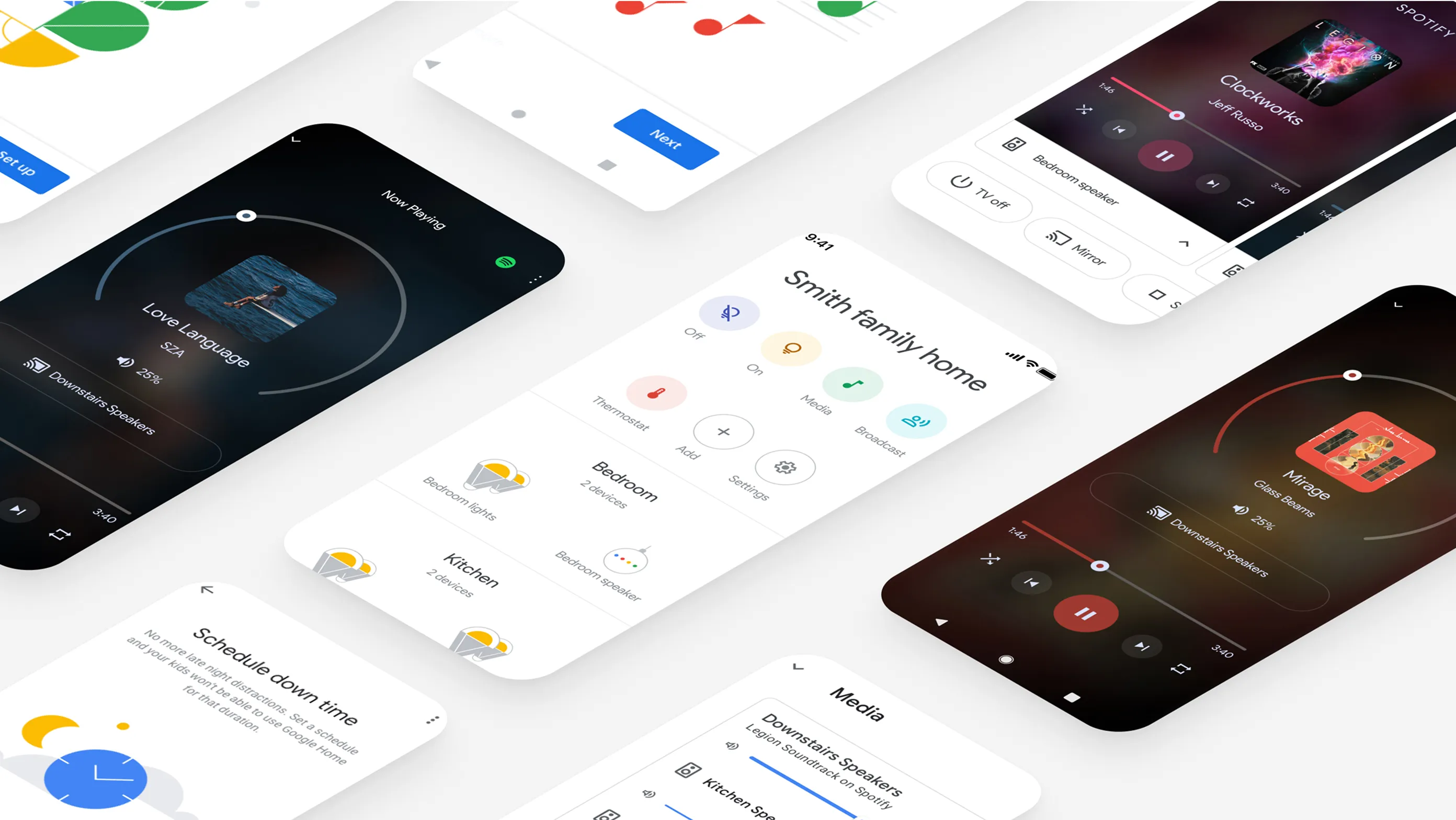
Many households have multiple Google Home devices, with some featuring a speaker in every room. For these users, the ability to dynamically group speakers or seamlessly move music from one room to another is essential.
I collaborated with the Google Home UX team to enhance the music streaming experience, making it more intuitive and flexible within the Google Home app.
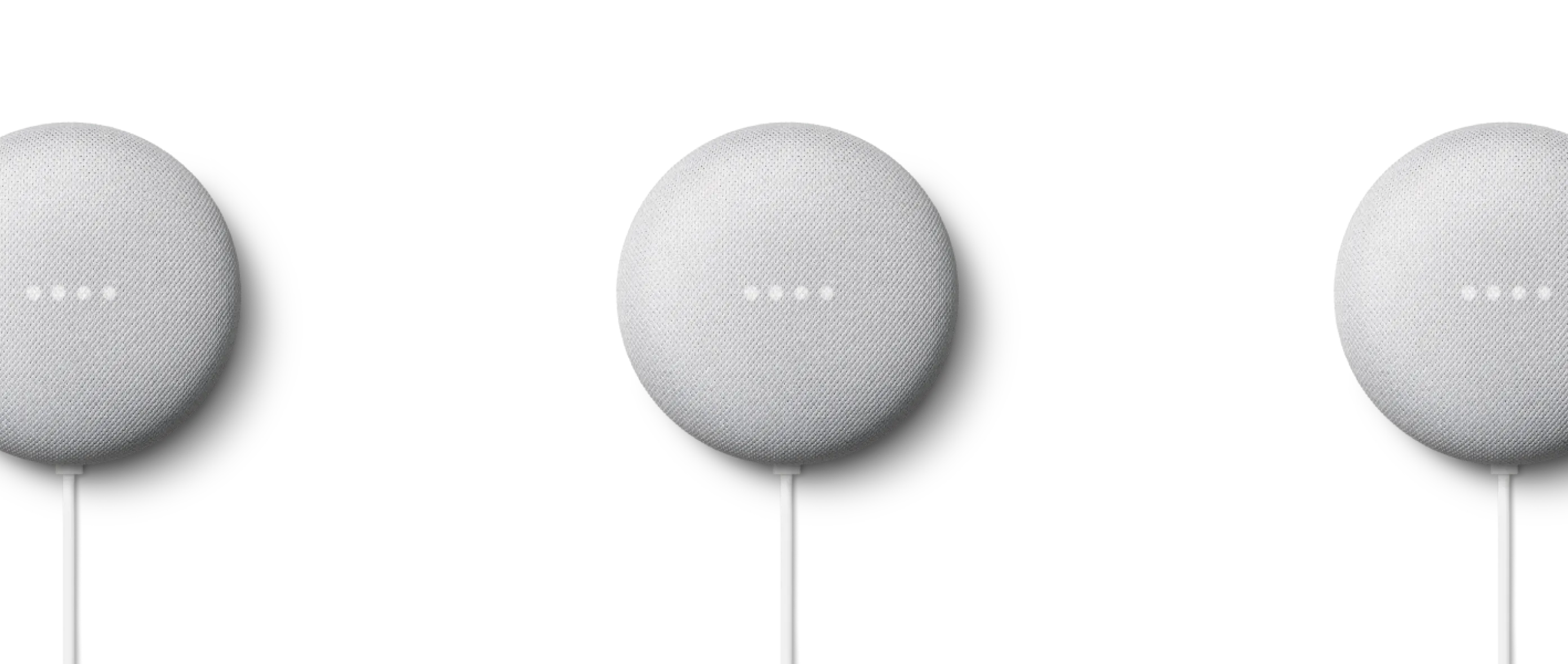
Hey Google, play music on downstairs speakers
Defining the problem
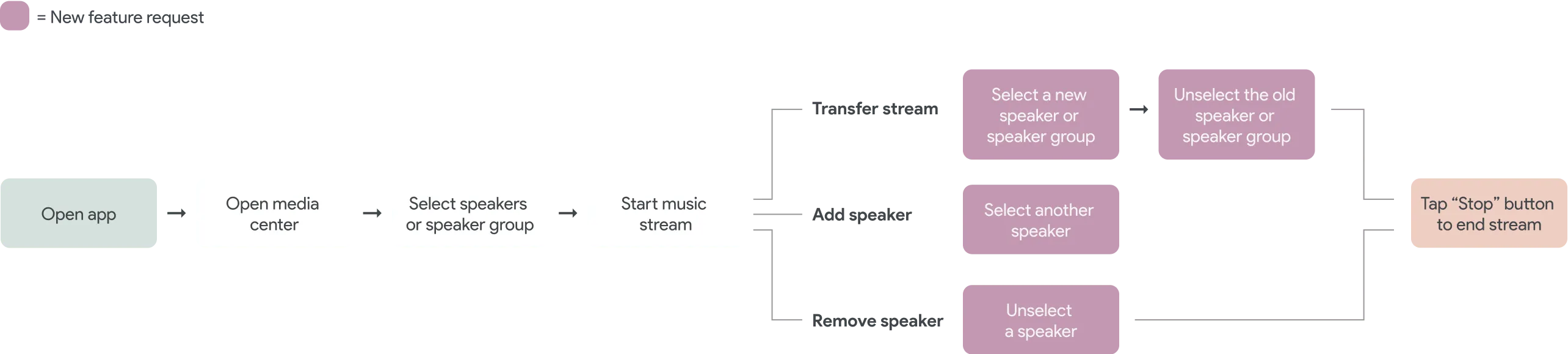
The design process began with customer feedback highlighting the need for better streaming capabilities in multi-speaker households. We identified three key improvements and mapped out user journeys before diving into high-fidelity designs.
Skipping the wireframing stage, we used Material Design components to accelerate development and create realistic prototypes. This approach allowed us to test with users early on, ensuring a seamless and intuitive experience.
Research & testing
The Google Home research team designed tests to complement our prototype. Through a one-way mirror, we observed as researchers guided users through the prototype in a staged living room environment, providing valuable insights into real-world interactions.
I want to play my music in all rooms of the house while I'm cleaning because I'm constantly moving between rooms.
When I host a party, I want the music to play in the backyard and in the house so that all of my guests can hear the same music.
It can be frustrating to stop the music in the kitchen and then start it again in the living room when I'm ready to move to the couch.
Transfer stream
Users wanted a seamless experience for moving music between rooms, with no interruptions or pauses. The ideal solution was as simple as selecting a new speaker and deselecting the old one, allowing for an uninterrupted listening experience.
Add or remove a speaker
Users can easily add other speakers to their music stream by simply selecting an additional speaker, making it effortless to play music in multiple rooms—perfect for parties or while moving around the house. Removing a speaker is just as simple: unselecting it from the list ensures a seamless experience.
Illustration
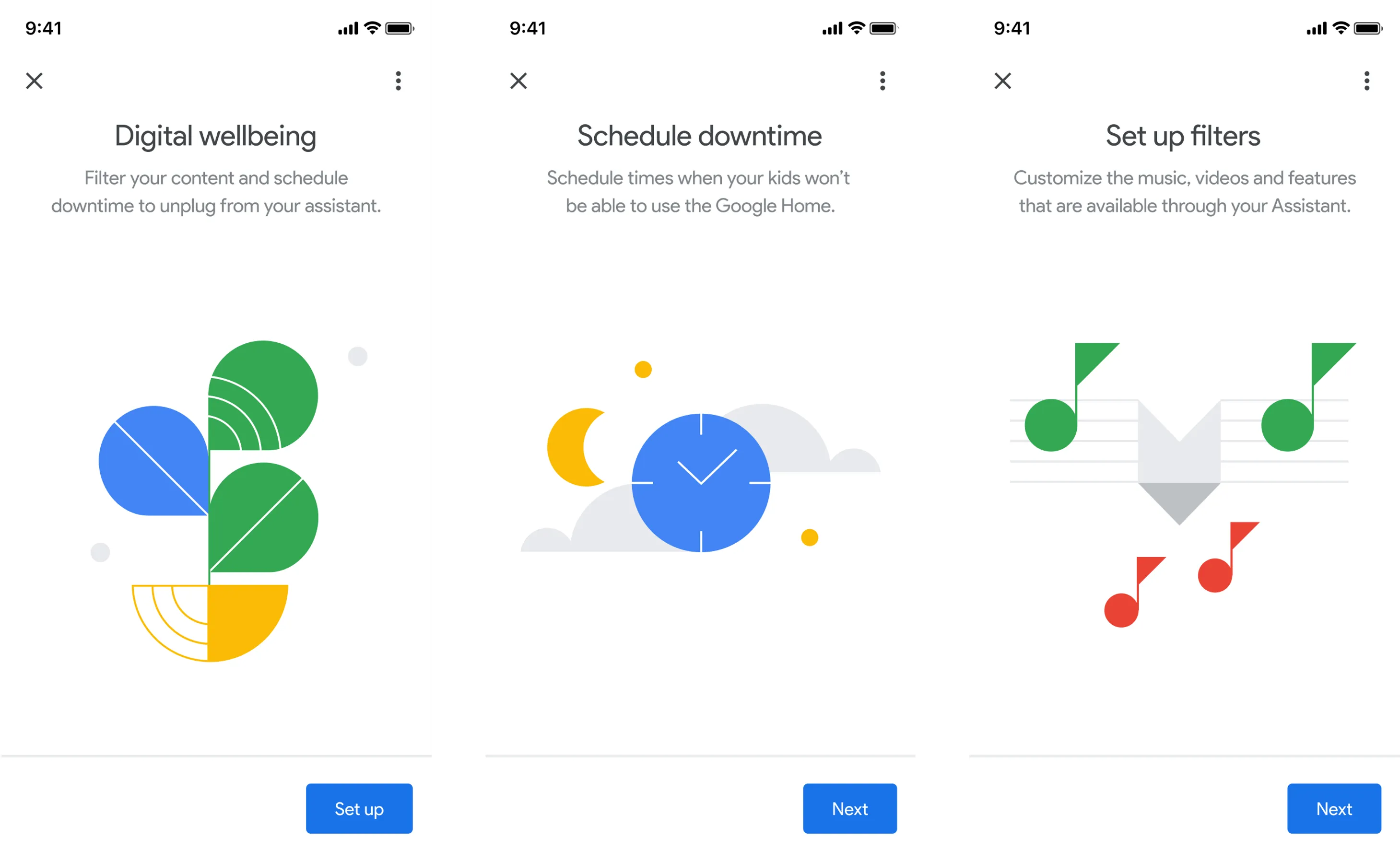
The Digital Wellbeing section of the app offers settings designed to help users unwind at night and filter content, such as music and videos, that may not be suitable for them—perfect for parental controls. This includes a series of illustrations to guide users through the various Digital Wellbeing options.
Streaming UI
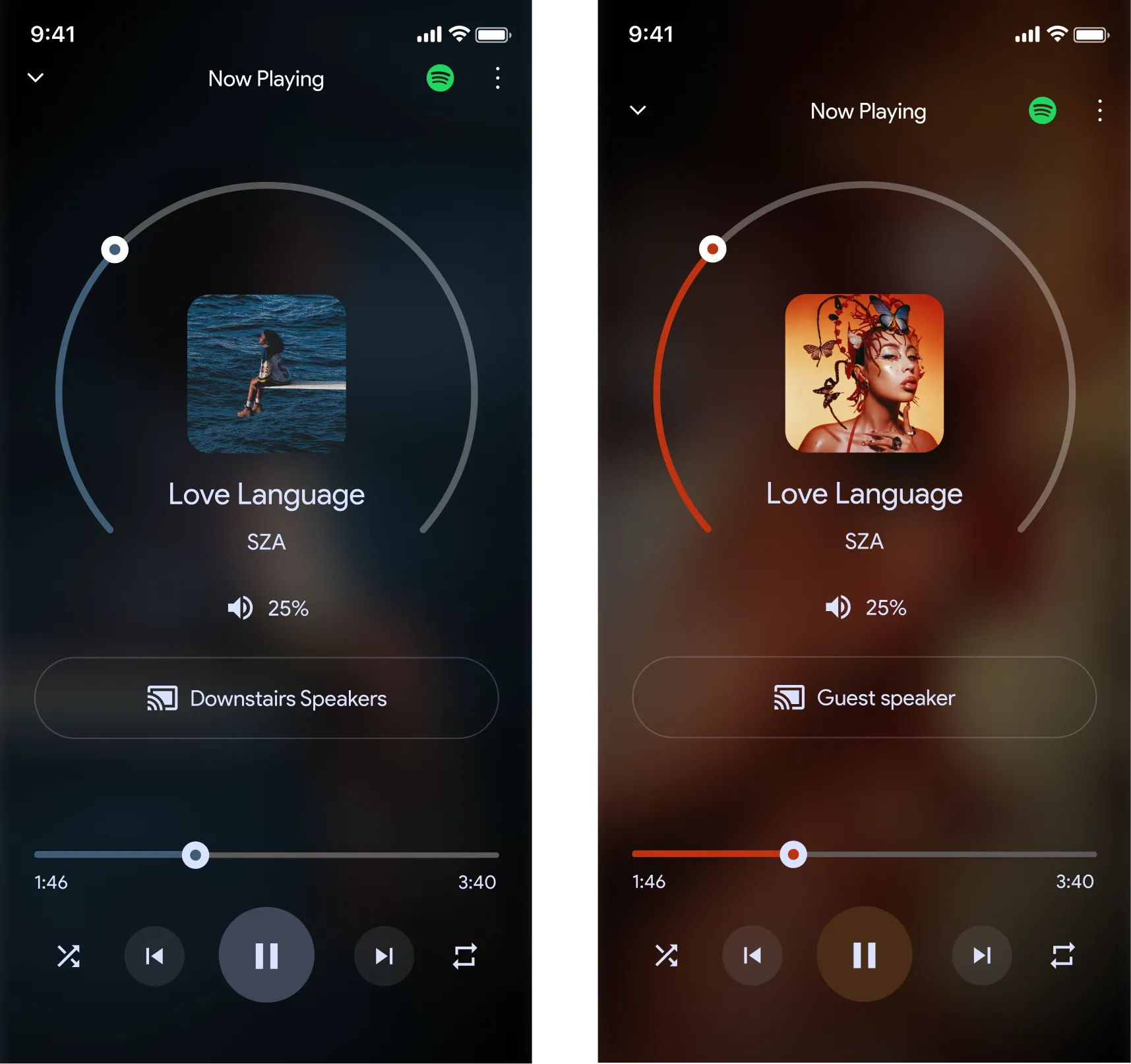
While music is streaming, we developed a visual style to enhance the listening experience. The album cover is blurred in the background, with a dominant color extracted from the artwork applied as a filter. I collaborated with developers to fine-tune this effect, ensuring it looked great across all types of album artwork.
Conclusion
The dynamic stream feature remains a core part of the Google Home app, enabling users to quickly switch or add/remove speakers to their music stream. Since my time on the Google Home UX team, however, the app's UI has evolved, with updated Material Design components that have changed the look and feel of the feature.